Embark on a hilarious yet insightful journey into the chaotic world of DIY computer upgrades, where tangled wires, compatibility surprises, and unforeseen mishaps turn a simple task into a comedy of errors. This guide reveals that beneath the frustration lies a valuable lesson in patience, resilience, and problem-solving—skills that extend beyond mere hardware tinkering. As you navigate cramped spaces, slipping screws, and confusing components, you’ll discover that each slip-up becomes a stepping stone toward confidence and mastery. But is the chaos worth it? Absolutely—because every challenge faced and lesson learned transforms frustration into empowerment, making you more resourceful and connected to your technology. With humor and ingenuity, this process reshapes how you see your devices—from mysterious black boxes to personal projects filled with potential. Are you ready to embrace the mess and turn upgrades into rewarding adventures?
Embark on the Chaotic Adventure of DIY Computer Upgrades
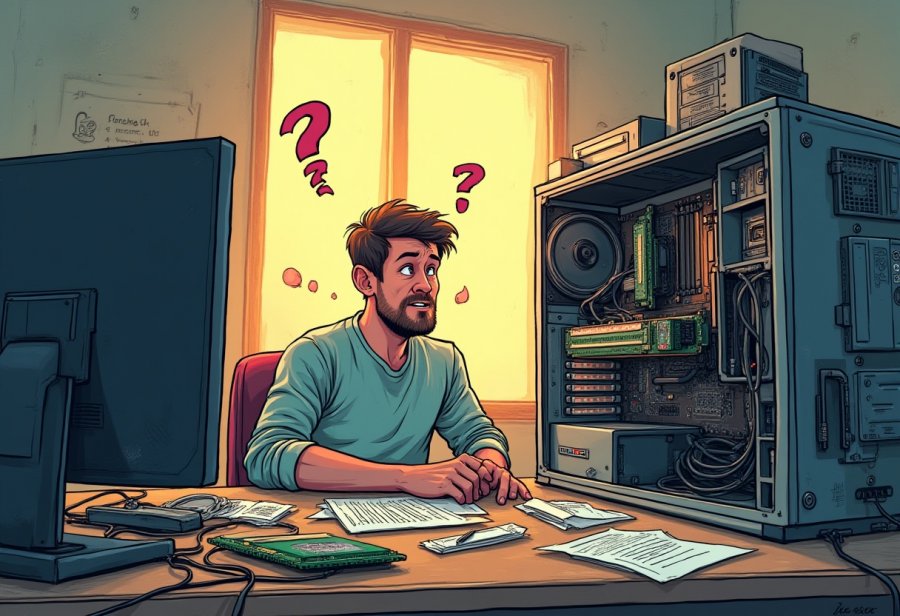
Opening up your computer for a DIY upgrade is like stepping into a chaotic adventure where anything can happen. One moment, you’re confidently pulling out an old hard drive, and the next, you’re tangled in a mess of cables that look more like overcooked spaghetti than an organized setup. It’s easy to forget just how messy and unpredictable these projects can become, especially if it’s your first time. What seems straightforward in online tutorials often turns into a test of patience and improvisation once you’re knee-deep in tiny screws and hardware parts.
Many are drawn to DIY upgrades because they want that satisfying feeling of taking control and doing something themselves. There’s a real sense of accomplishment when you replace a component without handing your machine over to someone else. Plus, it often feels more affordable—just buy the parts, follow a few guides, and you’re good to go. But what’s less obvious at first is the chaos lurking behind the scenes. Compatibility issues, tangled cables, and tiny screws that seem to vanish into thin air can transform a simple swap into a comedy of errors that even seasoned builders would find challenging.
As you open your case and start disconnecting parts, you quickly realize that things rarely go as planned. Connecting a new GPU or installing fresh RAM isn’t just about plugging things in; it’s about navigating a minefield of surprises. Sometimes, a component that looks perfect in the box doesn’t quite fit, or your power supply isn’t strong enough to handle the upgrade. The inside of your case feels like a cramped puzzle, and managing all those wires becomes an art form—one that often involves hours of rerouting, untangling, and cursing under your breath.
Handling delicate parts like CPU pins or tiny screws can feel like a high-stakes game. One wrong move, and you risk bending a pin or cracking a circuit board—costly mistakes that remind you to slow down. Often, screws slip from your fingers and disappear into the depths of the case, only to reappear days later in some hidden corner. These little mishaps are frustrating but serve as harsh lessons in patience and careful handling. Every mistake, however minor, becomes a story you’ll laugh about later.
Then there are the surprises that catch you off guard—forgetting to disconnect the power before plugging in a new component, only to hear a loud pop or see a puff of smoke. Installing RAM backward because they look identical, or losing a screw deep inside the case, are classic moments that turn a straightforward upgrade into a slapstick comedy. Despite all these hurdles, each small victory—like finally getting everything to work—feels all the sweeter after hours of troubleshooting and trial.
In the end, DIY upgrades are about embracing the chaos as part of the process. Those tangled cables, incompatible parts, and slip-ups aren’t just setbacks—they’re part of the journey, teaching patience and resilience. With humor and a bit of ingenuity, what starts as a potential disaster often turns into a memorable story and a boost of confidence in handling your own tech. It’s these moments of chaos that make the experience unforgettable and, in the long run, more rewarding than the upgrade itself.
Navigating the Tangles and Trials of Hardware Upgrades
Upgrading your PC often feels like walking into a chaos zone where everything that can go wrong seems to do so at once. Compatibility is usually the first hurdle—despite hours of research, that shiny new graphics card might refuse to fit because it’s just a tad too big for your case, or your RAM sticks look identical to what’s already installed, but the system won’t recognize them. These surprises turn what should be a straightforward swap into a frantic scavenger hunt for compatible parts or quick fixes, testing your patience at every turn.
Inside the case, space is tighter than anticipated. Modern components are bulkier, and fitting a large GPU or multiple drives often feels like a game of Tetris—except the stakes are higher, and the pieces are expensive. Sometimes you have to squeeze or bend parts just to make everything fit, risking damage in the process. Managing all those cables adds another layer of chaos; no matter how neat your initial plan, wires tend to multiply and cross each other like a tangled web, making even seasoned DIYers want to pull their hair out.
Routing cables neatly becomes an art form—hours of rerouting, untangling, and muttering curses are common. Poor cable management can block airflow and create hotspots, turning an otherwise sleek build into a spaghetti mess. The clutter defeats the purpose of a hardware upgrade, but once you finally tame the tangle and get everything running smoothly, that moment of victory makes all the chaos worth it. It’s a small win in a sea of frustration.
The surprises don’t stop there. Forgetting to disconnect the power supply before handling sensitive components can lead to loud pops, puffs of smoke, or even hardware damage. Installing RAM backward because they look identical is a classic mistake that stalls progress. Screws slip out of your fingers and vanish into the depths of the case, only to reappear days later—reminding you just how tricky tiny parts can be. These mishaps are maddening but serve as harsh lessons in patience and careful handling.
Handling delicate parts like CPU pins or cracking circuit boards in haste is all too common. A moment of carelessness—applying too much force or rushing—can bend a pin or crack a motherboard, setting back your progress significantly. These errors sting initially but become part of the learning process. Each mistake, while irritating, teaches you to slow down and pay closer attention, transforming frustration into experience.
Despite all the hurdles, every failure and surprise adds to the adventure. They remind you that DIY upgrades aren’t just about installing parts—they’re about navigating a minefield of surprises with humor and resilience. When everything finally powers up and runs better than before, the sense of achievement makes the chaos worthwhile. Embracing the mess, with a laugh and a steady hand, turns what could be a nightmare into a memorable story of perseverance.

Overcoming Obstacles and Conflicts in DIY PC Projects
Upgrading your PC on your own can quickly turn into a series of unexpected hurdles. Compatibility issues are often the first to catch you off guard. Despite thorough research, you might find that a shiny new graphics card is just a little too large for your case, forcing you to rethink your entire plan. Or perhaps your new RAM sticks look identical to your existing ones, but the system refuses to recognize them, leading to a frustrating trial-and-error process. These surprises can transform what seems like a simple swap into a frantic scramble for solutions, testing your patience at every turn.
Inside the case, space is usually more constrained than it appears in photos or manuals. Modern components tend to be bulkier, and fitting a large GPU or additional hard drives can feel like a game of Tetris with high stakes. Sometimes, you have to squeeze or bend parts just to make everything fit, risking damage or misalignment in the process. Managing the myriad of cables adds another layer of chaos—no matter how tidy you plan, wires tend to multiply and cross over each other, turning your build into a tangled web that’s hard to tame.
Cable routing itself becomes a test of patience and finesse. Hours can slip away rerouting, untangling, and cursing at stubborn wires that refuse to cooperate. Poor cable management isn’t just an aesthetic issue; it can block airflow, cause overheating, and turn an otherwise sleek upgrade into a spaghetti mess that defeats the purpose of your efforts. The clutter can feel overwhelming, yet finally getting everything to flow smoothly makes that victory even sweeter, reinforcing that perseverance pays off.
Surprises don’t stop at physical fitment. Forgetting to disconnect the power supply before handling sensitive components can lead to loud pops, puffs of smoke, or hardware damage—turning a straightforward task into a mini disaster. Installing RAM backward because they look identical is a classic mistake that stalls progress and forces you to backtrack. Tiny screws are easy to drop and lose deep inside the case, only to reappear days later in some hidden corner, reminding you just how tricky those small parts can be.
Handling delicate parts like CPU pins or delicate circuit boards in haste often leads to mishaps. Applying too much force or rushing the process can bend pins or crack motherboards, setting you back significantly. These errors sting at first but quickly teach the importance of patience and careful handling. Each mistake becomes a lesson in precision, transforming frustration into valuable experience. Despite the setbacks, each hurdle conquered reinforces your resilience and problem-solving skills, proving that even chaos has its lessons.
Transforming Daily Tech Use Through Hands-On Upgrades
Getting hands-on with DIY upgrades doesn’t just make your computer faster or more stylish; it fundamentally changes how you interact with technology every day. After successfully swapping out RAM or installing a new hard drive, you start to see your devices less as mysterious black boxes and more as tools you understand and can troubleshoot on your own. That confidence shift means you’re less likely to panic when something slows down or a program crashes. Instead, you might try simple fixes like clearing cache or updating drivers before seeking help, saving time and frustration.
Through these experiences, your problem-solving skills sharpen naturally. When you’ve wrestled with tangled cables or figured out why a new GPU isn’t recognized, you develop a more analytical mindset. You begin asking smarter questions: Is it a compatibility issue? Did I forget a connection? Over time, this approach helps you diagnose and fix minor tech problems quickly, turning potential headaches into quick wins. It’s a skill that extends beyond your PC, making you more resourceful in everyday tech situations.
Understanding what’s inside your computer also makes your daily tech use more engaging. You start to see your device as a collection of parts working in harmony, rather than a mysterious device that just works. This knowledge empowers you to make informed decisions about software updates, cleaning routines, or hardware upgrades. Instead of accepting sluggish performance or outdated equipment, you’re motivated to learn more, explore new configurations, and keep your tech current.
The confidence gained from DIY upgrades encourages ongoing curiosity. Every project, whether it’s installing new storage or troubleshooting errors, teaches you something new about hardware and software. This curiosity fuels a proactive attitude—you’re more likely to seek out tutorials, read reviews, or experiment with settings. Your devices become less of a black box and more of a personal project, which makes tech feel less intimidating and more like a hobby worth exploring.
Sharing your stories, whether triumphs or mishaps, fosters a sense of community. Posting a successful upgrade or recounting a hilarious cable spaghetti incident makes the process relatable. Knowing others have faced similar chaos normalizes the frustrations and highlights the learning curve involved. It’s reassuring to realize that even seasoned DIYers have been there, and each mistake is just part of the journey toward becoming more competent and confident.
These hands-on experiences reshape your overall relationship with technology. You see your devices as something you can understand, repair, and improve rather than just rely on passively. This shift fosters independence, empowering you to handle future issues with confidence. Whether it’s fixing a slow laptop, upgrading peripherals, or customizing your setup, you’re now more equipped to tackle challenges head-on.
In the end, the chaos and humor of DIY upgrades aren’t just about hardware—they’re about building resilience and a deeper understanding of technology. Every tangled cable and slip-up becomes a story of growth and perseverance. Embracing the mess, learning from setbacks, and sharing a good laugh turns what could be a stressful task into a rewarding adventure. These moments of chaos aren’t just obstacles; they’re the milestones of your journey toward tech independence and confidence.
Reflecting on the Wild, Rewarding Journey of DIY Upgrades
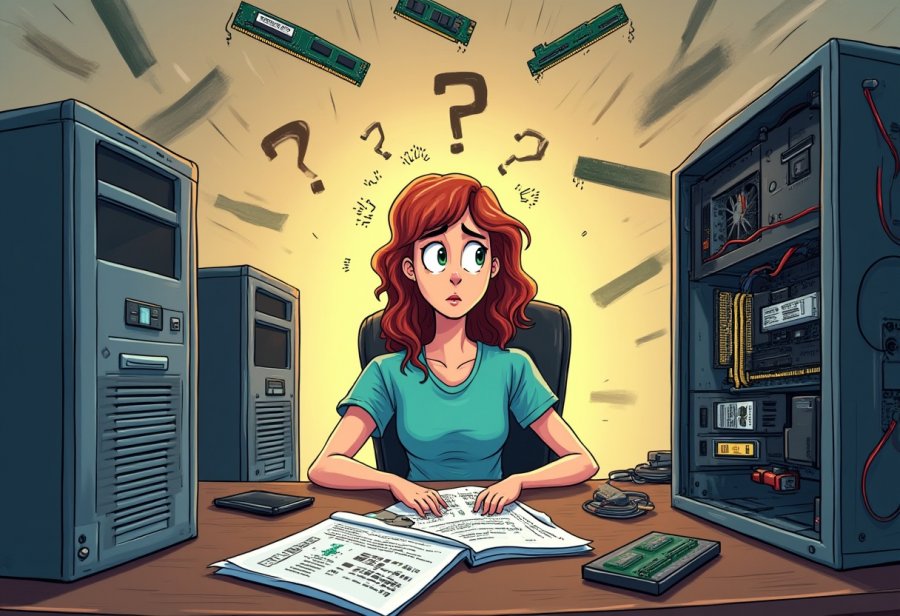
Wrapping up the wild ride of DIY computer upgrades, it’s clear that chaos and humor are woven into every step. From tangled cables to unexpected hardware mishaps, those moments of slip-ups and surprises become stories worth telling—and lessons that stick. Even the most experienced builders have faced their share of frustrations, but those very setbacks often turn into funny anecdotes and valuable insights. Approaching upgrades with patience, humor, and a willingness to learn transforms what might seem like a stressful task into an enjoyable adventure.
The missteps along the way aren’t just setbacks; they’re the building blocks of confidence and skill. Rushing through an upgrade often leads to tangled cables, incompatible parts, or accidental damage. But slowing down, double-checking your work, and laughing at the chaos makes those moments part of the journey. Each mistake, whether a slipped screw or a misfitted component, teaches you something new about handling hardware and troubleshooting. These lessons become part of your toolkit, helping you navigate future projects with greater ease.
Over time, DIY upgrades shift from being daunting or messy to feeling empowering and creative. Online tutorials, community stories, and shared experiences help demystify the process, making it accessible and less intimidating. Sharing both your triumphs and mishaps creates a culture of learning where mistakes are simply steps toward mastery. This mindset encourages curiosity and resilience, inspiring more people to roll up their sleeves, experiment, and see hardware tinkering as a rewarding hobby rather than a chore.
The impact of these experiences extends beyond the hardware itself. Successfully managing chaos builds your confidence in troubleshooting and problem-solving, which spills over into daily tech interactions. Whether fixing a sluggish laptop or customizing a new build, you become more independent and resourceful. Embracing the unpredictable nature of DIY upgrades transforms you from a passive user into someone who actively manages and improves their digital environment.
In the end, the chaos and humor of DIY upgrades serve as reminders that technology isn’t just about the end result—it’s about the journey. Mistakes and surprises are inevitable, but they make your story more memorable and your skills stronger. By accepting the mess, learning from setbacks, and sharing laughs, you turn potential frustration into growth. These moments of chaos aren’t just obstacles—they’re milestones that define your path toward tech confidence and resilience, making every upgrade a story worth telling.